Documentation Index
Fetch the complete documentation index at: https://graph-sitter.com/llms.txt
Use this file to discover all available pages before exploring further.
Neo4j Graph
Graph-sitter can export codebase graphs to Neo4j for visualization and analysis.
Installation
In order to use Neo4j you will need to install it and run it locally using Docker.
Neo4j
First, install Neo4j using the official installation guide.
Docker
To run Neo4j locally using Docker, follow the instructions here.
Launch Neo4j Locally
docker run \
-p 7474:7474 -p 7687:7687 \
-v $PWD/data:/data -v $PWD/plugins:/plugins \
--name neo4j-apoc \
-e NEO4J_apoc_export_file_enabled=true \
-e NEO4J_apoc_import_file_enabled=true \
-e NEO4J_apoc_import_file_use__neo4j__config=true \
-e NEO4J_PLUGINS=\[\"apoc\"\] \
neo4j:latest
Usage
from graph_sitter import Codebase
from graph_sitter.extensions.graph.main import visualize_codebase
# parse codebase
codebase = Codebase("path/to/codebase")
# export to Neo4j
visualize_codebase(codebase, "bolt://localhost:7687", "neo4j", "password")
Visualization
Once exported, you can open the Neo4j browser at http://localhost:7474, sign in with the username neo4j and the password password, and use the following Cypher queries to visualize the codebase:
Class Hierarchy
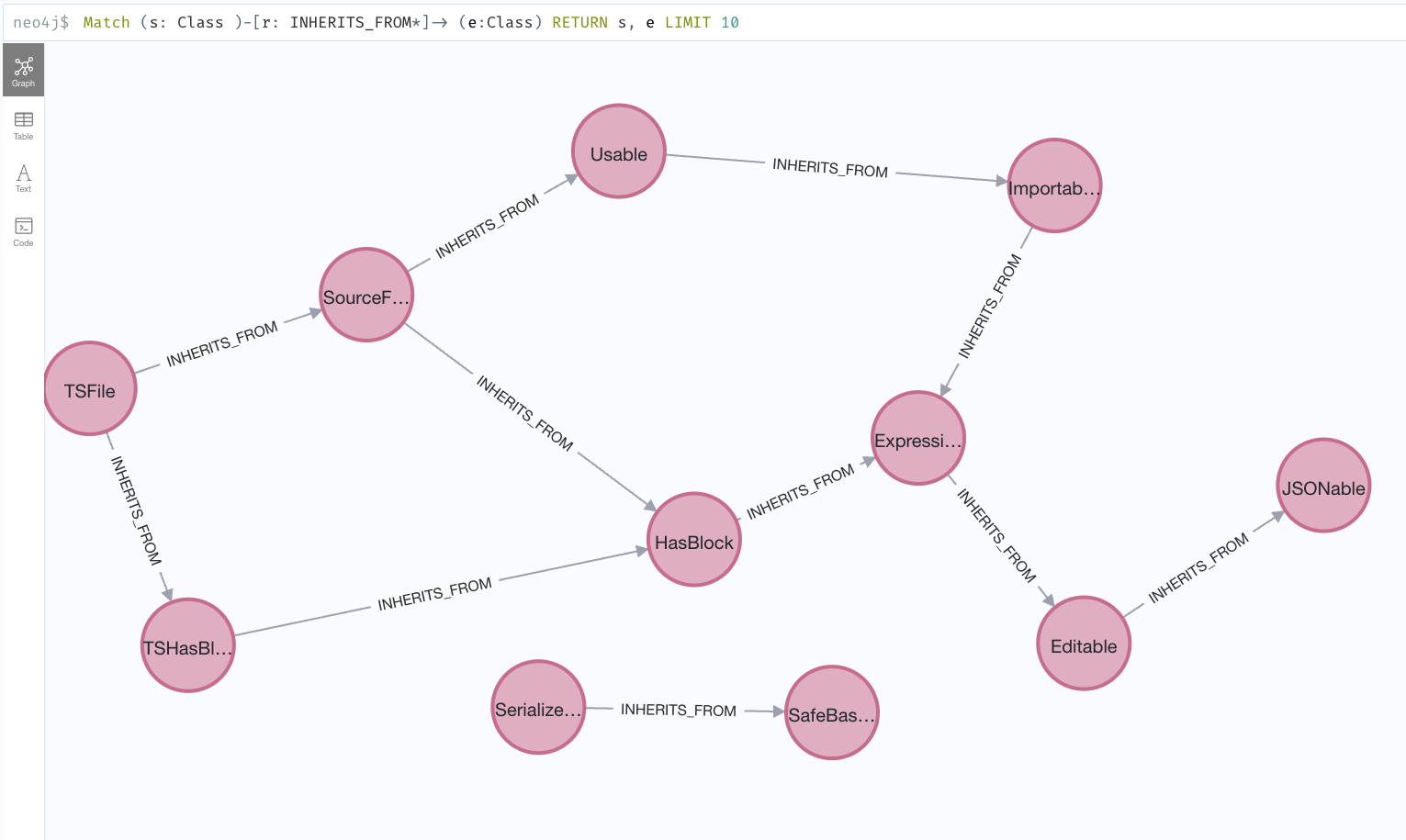
Match (s: Class )-[r: INHERITS_FROM*]-> (e:Class) RETURN s, e LIMIT 10
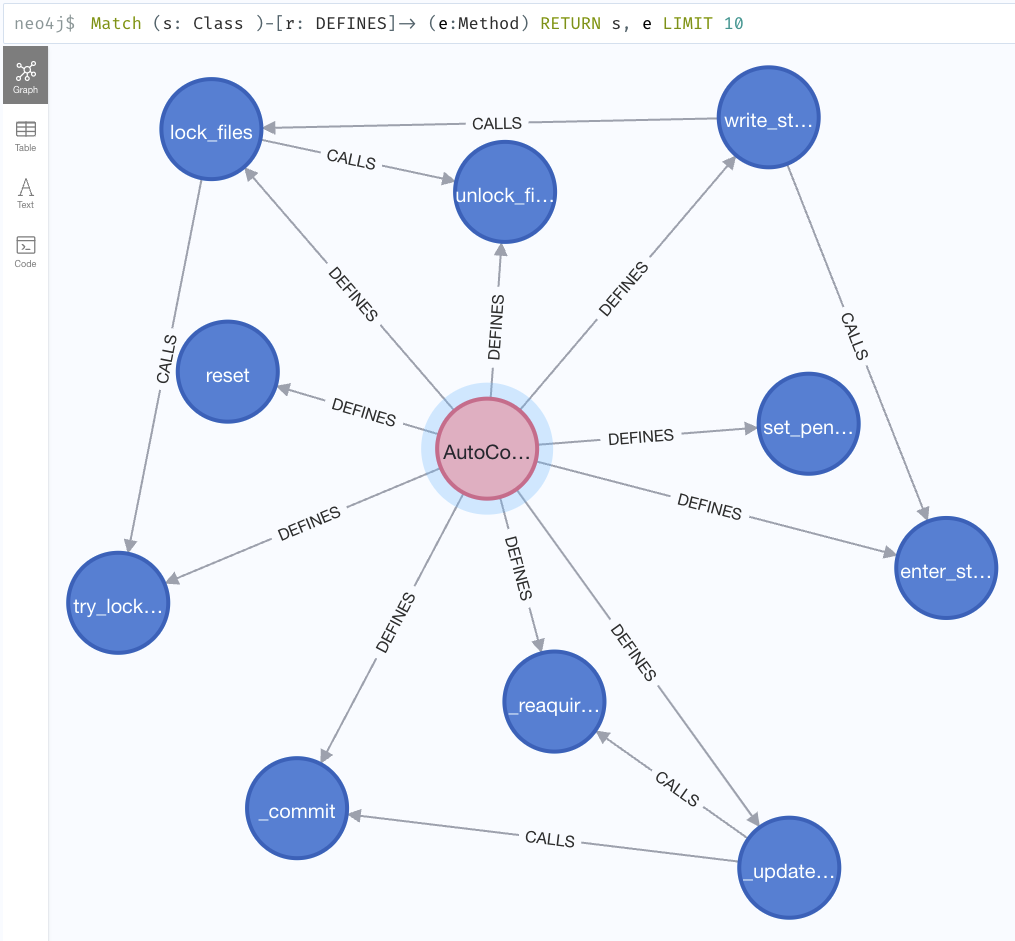
Methods Defined by Each Class
Match (s: Class )-[r: DEFINES]-> (e:Method) RETURN s, e LIMIT 10
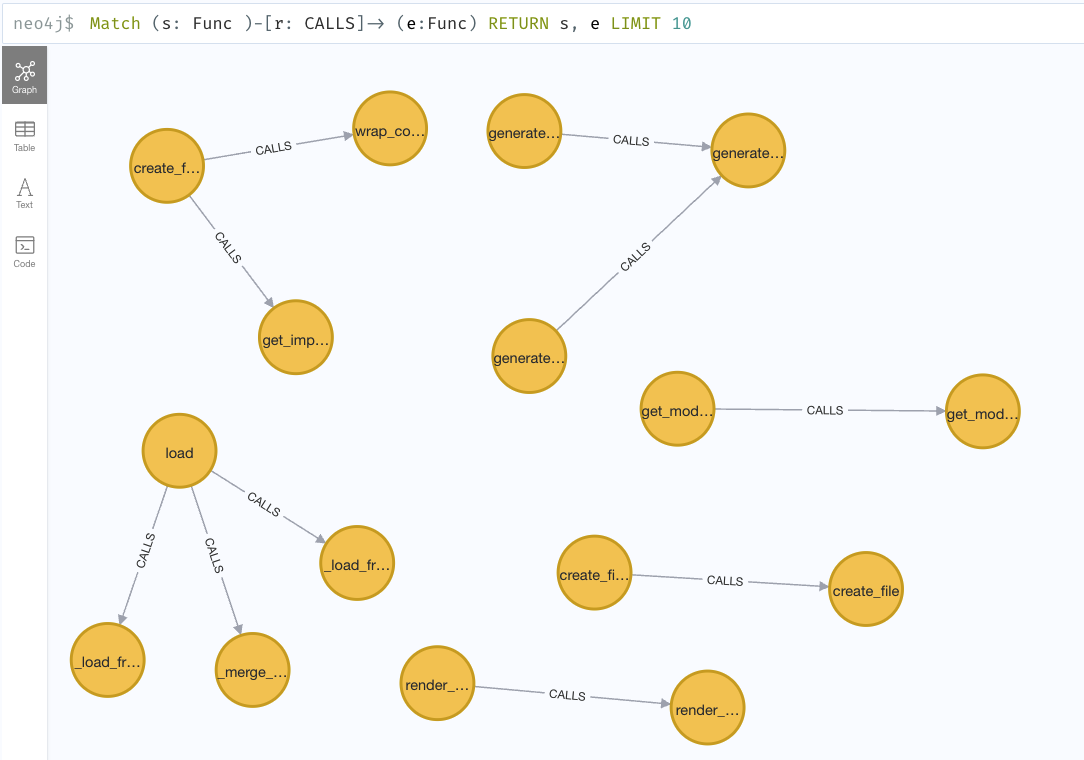
Function Calls
Match (s: Func )-[r: CALLS]-> (e:Func) RETURN s, e LIMIT 10
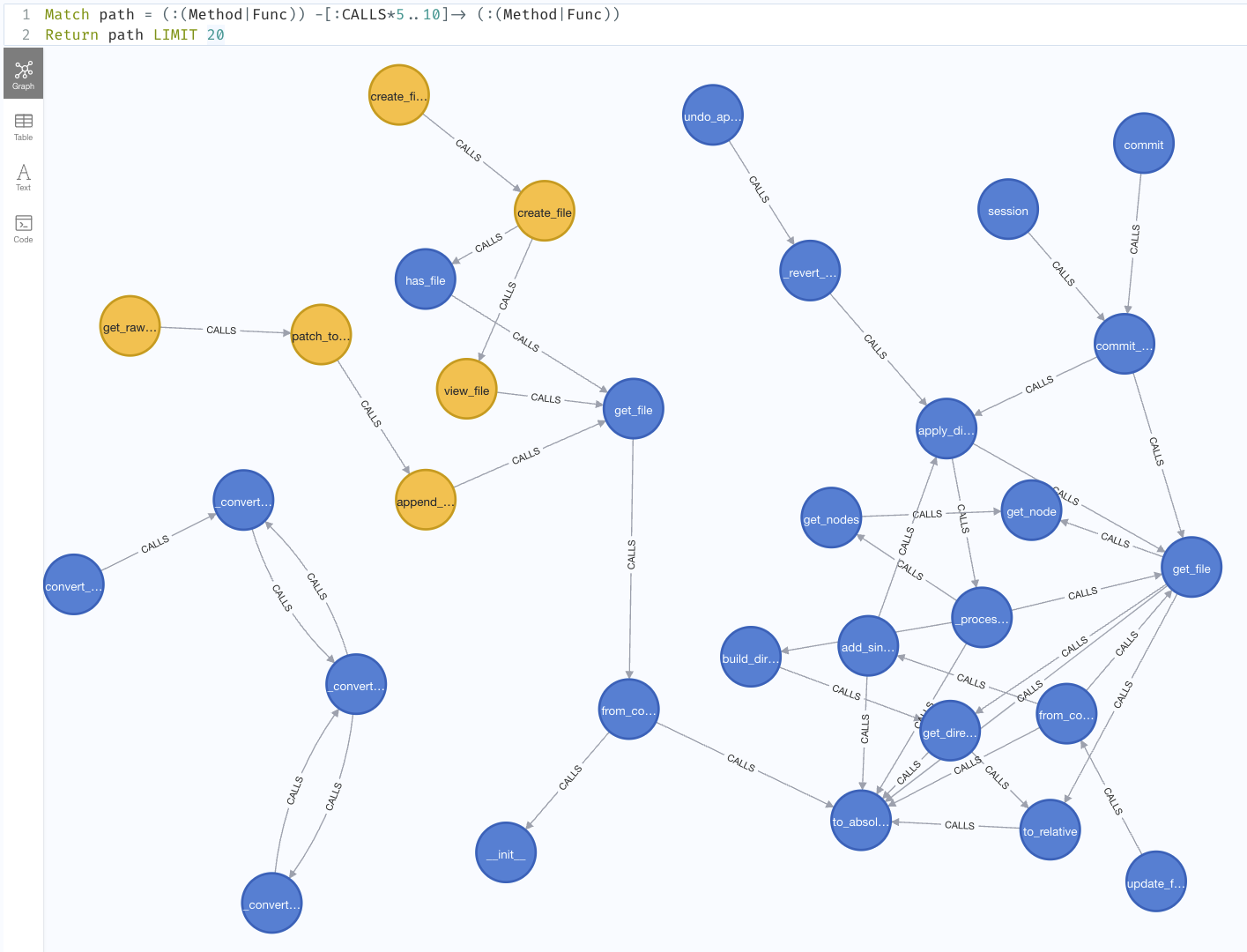
Call Graph
Match path = (:(Method|Func)) -[:CALLS*5..10]-> (:(Method|Func))
Return path
LIMIT 20